Garmin for windsurfing and wingfoiling: from profile to analysis

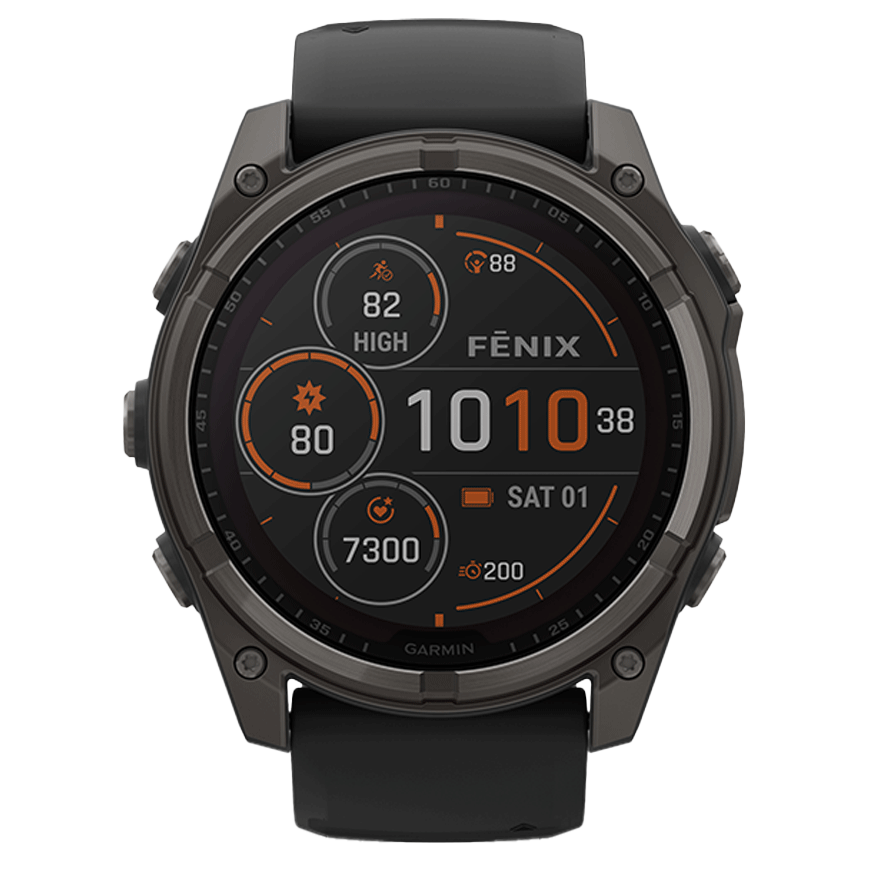
Garmin ships the longest list of water activity profiles — windsurfing, kiteboarding, SUP, sailing, surfing, boat racing — and the analysis in Garmin Connect still stops at track, distance and average speed. Jibes, planing share, flight phases and individual speed runs are not there. Those are exactly what WindSportTracker pulls out of the same file.
The watch stays a Garmin device: you record with Garmin profiles, and the session then arrives by auto-sync or as a file for windsurfing, wingfoiling or whichever sport you were actually riding.
Which Garmin profile fits which sport
Current Fenix, Forerunner and Instinct models list, among their water activities, windsurfing, kiteboarding, SUP, sailing, surfing, boat racing and wakeboarding. What is missing is wingfoiling — and pump foiling and parawing as well.
That leads to a simple rule. If you ride windsurf, kite or SUP, use the Garmin profile of the same name. For anything else, record with an existing water profile — windsurfing is the obvious candidate — and set the real sport afterwards in WindSportTracker. The analysis follows that setting, not the label on the watch. A wingfoil session analysed as windsurfing reports planing share where flight time belongs.
If you want the separation to be clean, create a custom named activity profile on the watch — “Wingfoil”, based on windsurfing. And as a third route, a Connect IQ app works for recording, App Pro Bond Edition for example. WindSportTracker needs none of them: there is no Connect IQ app from us, and the analysis does not depend on one.
The most expensive mistake is called Smart Recording
Depending on model and profile, Garmin either records every second or uses Smart Recording, which only writes a point when direction or pace changes. For a straight run that is efficient. For a jibe it is fatal: the arc lasts two to four seconds, and if it contains three points instead of twelve, the manoeuvre is gone before anyone can analyse it.
So set the watch to:
- record every second (1 Hz), not Smart Recording
- auto-pause off — otherwise the watch cuts every break on the water out of the track
- no manual pauses, not even during a long walk back up the beach
You can leave the GNSS setting as it is. Multi-band produces visibly calmer tracks at spots with cliffs or harbour buildings, but costs battery; for a normal home spot the standard mode is enough.
Three routes from the watch into the analysis
Auto-sync. Connect your Garmin account on the Profile page in WindSportTracker and pick the activity types that should arrive. The filter is a positive list: runs and rides stay in Garmin Connect. New sessions then land in your logbook automatically.
Export from Garmin Connect. Open the activity, three-dot menu, Export original file. You get a .fit file and import it in the app or at app.windsporttracker.com.
USB. Plug in the watch, open the GARMIN/Activity/ folder, copy the file, import it. This is the route for everything recorded before you linked the account — auto-sync does not backfill older sessions.
FIT is the best choice because sensor data comes with it. GPX and TCX work too, but carry less.
What a Garmin is worth in speed rankings
Anyone uploading runs to GPS-Speedsurfing meets the split between verified and unverified devices. Garmin watches are not listed as a brand there but by the GPS chipset inside: devices built on Airoha or Synaptics chipsets count as verified, the rest go into the fun ranking. For your own season that makes no difference — for a record entry it does. If you compete seriously, add a Locosys logger.
In WindSportTracker the file is complete either way: speed over 2 s, 5 s, 10 s and 500 m, Alpha 250 m, manoeuvres and gear comparison all run regardless.
Models
| Model | Role at the spot | GPS battery, roughly |
|---|---|---|
| Fenix 8 / 8 Solar | outdoor flagship, multi-band | one to two days |
| Forerunner 970 | running watch with a strong chip | long surf day |
| Instinct 3 | rugged, often solar | long GPS day |
| Fenix 7 | predecessor, widely owned | depends on variant |
| Forerunner 265 / 965 | AMOLED, good compromise | surf day |
| Enduro | expedition, multi-day | considerably longer |
Older models with FIT export — Fenix 5 and 6, Forerunner 255, Instinct 2 — work the same way. What matters is the file, not the model year.
Frequently asked questions
Is there a WindSportTracker app for Garmin watches? No, and you do not need one. You record with Garmin’s own tools or a Connect IQ app of your choice, and analyse afterwards in WindSportTracker.
I recorded wingfoiling as windsurfing — is the session lost? No. Change the sport in WindSportTracker afterwards and the analysis re-runs with the right criteria.
Why are jibes missing from my analysis? Almost always Smart Recording or an active auto-pause. Check both on the watch, inside the activity profile — not in Garmin Connect.
Will auto-sync bring in last season’s sessions? No, the sync starts at the moment you link the account. Older sessions come in via FIT export from Garmin Connect or over USB from the watch.
Does my data stay in Garmin Connect? Yes. WindSportTracker copies matching activities, the originals stay untouched.
27 days fully featured, then €2.70 a month or €27 a year when paying through the web app; store prices may differ.