Suunto for windsurfing and wingfoiling: pick the activity, match the filter

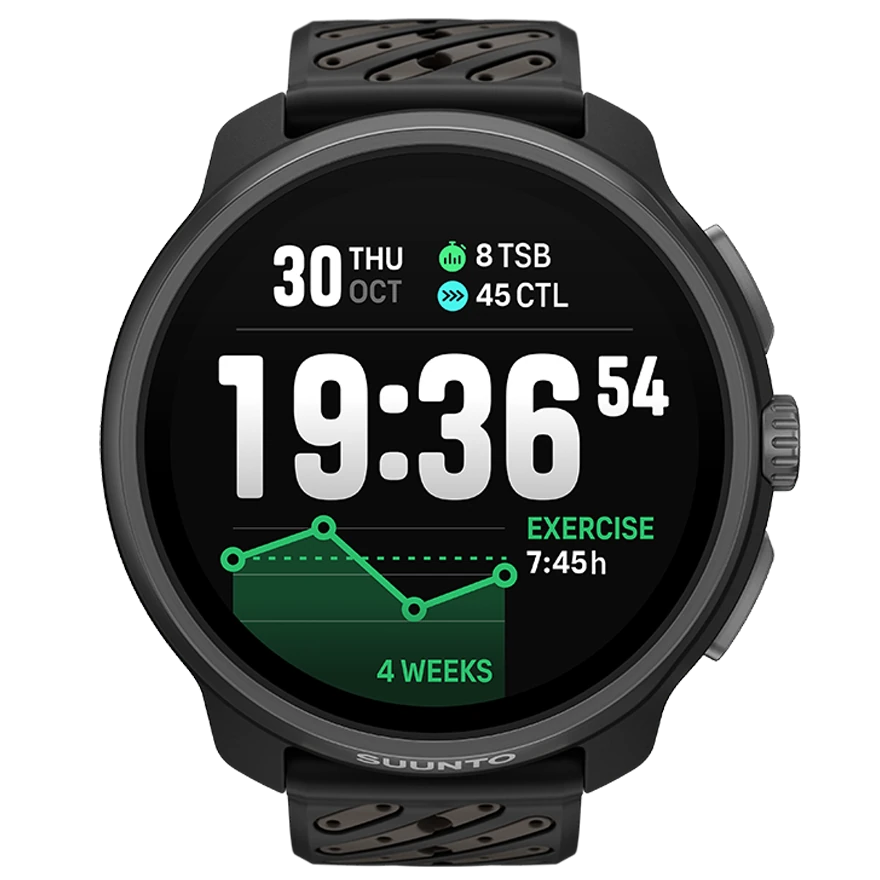
Suunto carries wind and water sports as activities in their own right: windsurfing, kitesurfing, surfing, standup paddling, sailing and a general water sports are all in the activity catalogue. The sport is there — unlike COROS, where it depends on the model range.
Two things are still worth knowing. First, wingfoiling, parawing and pump foiling are missing, as they are with all four manufacturers. Second, which modes actually show up on your watch depends on model and firmware — check the list on the watch before you go looking for it at the spot. Suunto is the only manufacturer with a clean answer to both: custom sport modes.
Which Suunto activity fits which sport
| You ride | Suunto activity | Sport in WindSportTracker |
|---|---|---|
| windsurfing | Windsurfing | windsurfing |
| kitesurfing | Kitesurfing | kitesurfing |
| SUP | Standup paddling | SUP |
| sailing | Sailing | sailing |
| wingfoil, parawing, pump foil | Windsurfing or Water sports | wingfoiling, parawing, pump foiling |
The last row is the normal case on a foil: you record with an existing activity and set the real sport afterwards in WindSportTracker. Only that setting decides whether the session is analysed for planing share or for flight time — the activity name from the watch no longer matters at that point.
Custom sport modes: what only Suunto offers
Garmin, COROS and Polar hand you a fixed list. Suunto lets you build your own mode — with your own name, your own data fields and a base activity of your choosing:
- Connect the watch to the Suunto app and open sport mode customisation.
- Choose create sport mode.
- Pick the underlying activity — windsurfing, for the foil.
- Name the mode, “Wingfoil” or “Speed run” for instance.
- Choose the data fields you want on the water.
The mode syncs to the watch automatically and sits next to the built-in sports. Unlike the pre-defined modes it can be edited later — handy if you want different fields for speed days than for long freeride sessions. Several modes on the same base activity are allowed.
Why the English activity name matters
For the automatic transfer, WindSportTracker looks at the English activity name Suunto sends — not at the name you gave your mode. So the activity filter on the Profile page has to contain a keyword from that English name: windsurfing, water sports, surfing, standup paddling, sailing or kitesurfing.
A custom mode called “Wingfoil” built on windsurfing therefore arrives through the filter entry windsurfing. A mode built on trail running will not arrive, however you named it. This is the one place where Suunto sessions typically get stuck — and you will not see it happen, because nothing fails: the session simply stays at Suunto.
Recording: what counts on the water
Inside the sport mode you define how the watch records. Two points decide the quality of the later analysis:
- record every second, not at a power-saving interval
- no auto-pause and no manual pause — otherwise the seconds that hold the jibe are the ones missing
You can drop ascent from the display; on the water the field says nothing. Speed, distance and duration are the useful ones.
After the session: where the Suunto app stops
The Suunto app shows track, duration, distance and a speed curve. For training on land that is enough. On the water the questions only start there. Was the fastest run clean, or an outlier in the track? How many jibes were carried through planing? Did the new sail work better than the old one?
WindSportTracker takes the same file and produces speed windows over 2 s, 5 s, 10 s and 500 m, Alpha 250 m, manoeuvres with a success rate split by port and starboard, planing or flight phases depending on the sport, and the gear comparison across the season.
One note for speed riders: Suunto watches are not on the GPS-Speedsurfing device list, so their sessions run in the fun ranking there. For your own analysis that changes nothing, for a record entry it does — that takes a Locosys logger.
Connecting and importing
Connect your Suunto account on the Profile page in WindSportTracker and set the activity filter. New sessions then arrive automatically. The sync does not backfill older recordings — export those as FIT or GPX and import them in the app or at app.windsporttracker.com. FIT is the better choice because sensor data comes with it.
Suitable models are Race 2, Race S, Vertical, 9 Peak Pro and Ocean, but also older Suunto watches with GPS recording and file export. The differences are case and battery reserve, not the later analysis. The analysis for windsurfing, wingfoiling and pump foiling is the same on all of them.
Frequently asked questions
I cannot find windsurfing in the list on my watch. How many modes are pre-installed depends on model and firmware. Check the list in the Suunto app and, if needed, create a custom mode based on water sports.
Is “water sports” enough, or should I use windsurfing? Both match the filter and produce the same track. Windsurfing is the more precise label, water sports the pragmatic catch-all for everything Suunto does not name.
My custom mode is called “Wingfoil” and still nothing arrives. What counts is the English activity the mode is built on, not its name. Check which activity is stored in the Suunto app and put exactly that into the filter.
How many custom sport modes can I have? Several, including more than one on the same base activity. Two or three cover wind and water sports in practice.
Does the recording stay in Suunto? Yes. WindSportTracker copies matching activities, the originals stay in your Suunto account.
27 days fully featured, then €2.70 a month or €27 a year when paying through the web app; store prices may differ.